
GreenTV: Create Login for TV Service
To use your TV service with Green, you must first create a login for the TV service in your customer portal. This guide will show you how to do this.
Activate WebTV and App
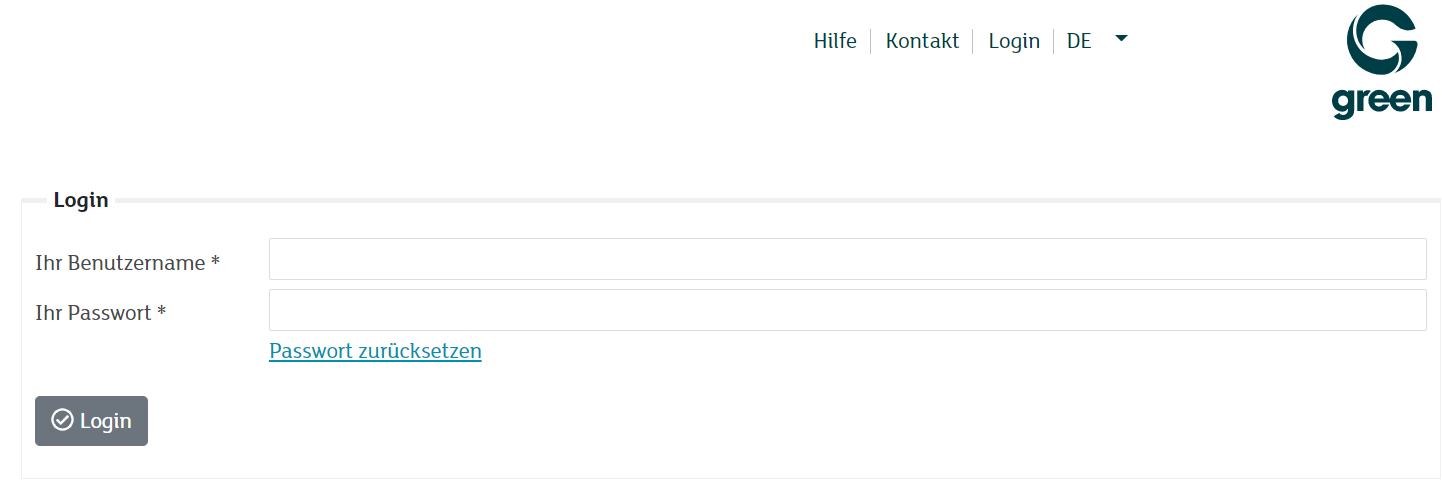
Sign in to the my.green.ch customer portal with your MY user and password.
In your customer area, under the Network access section, click on the WebTV button.

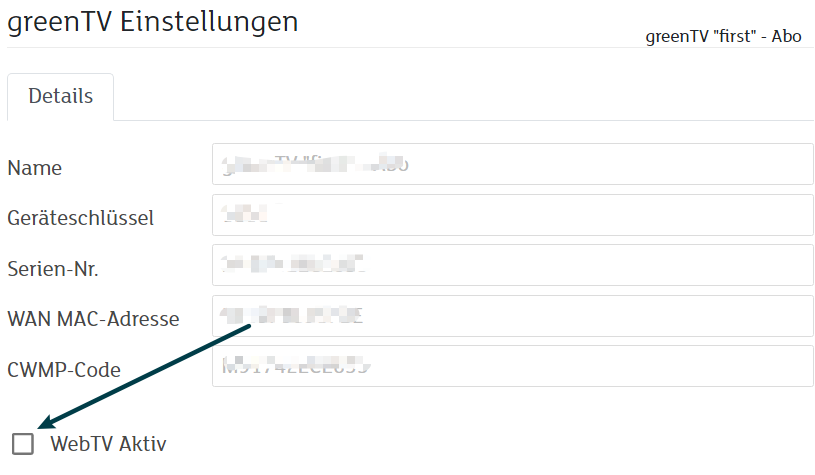
In order to select your TV Subscription, click on the magnifying glass icon on the left-hand side.

Select the checkbox at for the option WebTV Active.
Enter a valid email address as your user name and set a new password. These login details are required to log in to your GreenTV service (TV box, app and WebTV).
Then click on the Save button.
Note: Please observe the guidelines for a secure password.
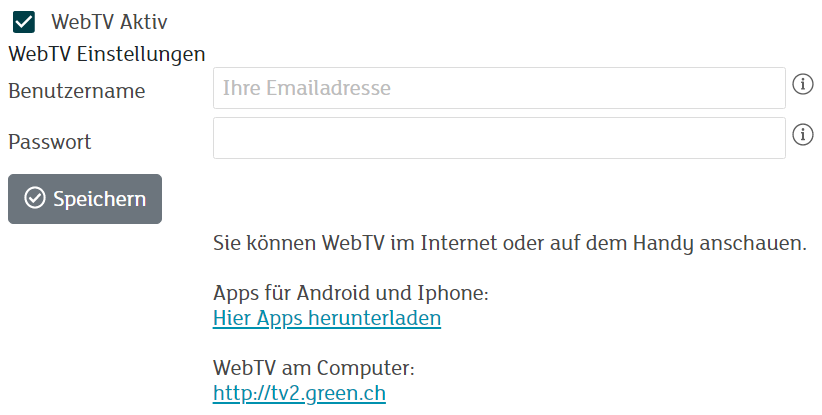
Download the app to your device or log in to the website at tv.green.ch with your username and password.