The following instructions show you how to set up your mail account on the Android Gmail App as IMAP.
1. Please open the Android Gmail App.
2. Click on the 3 crossbars in the upper left corner.
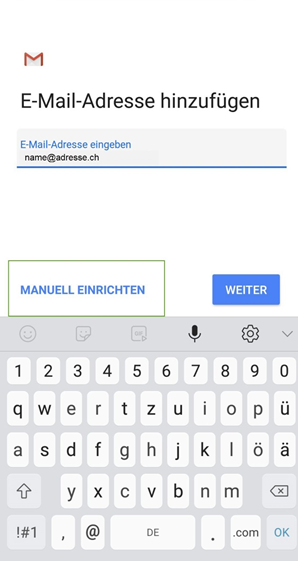
3. Click on the small arrow and select «Add account».
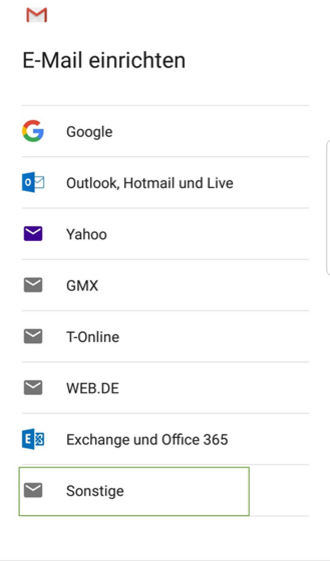
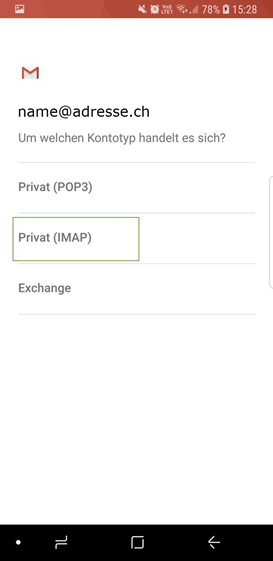
4. Click on «Privat (IMAP)»
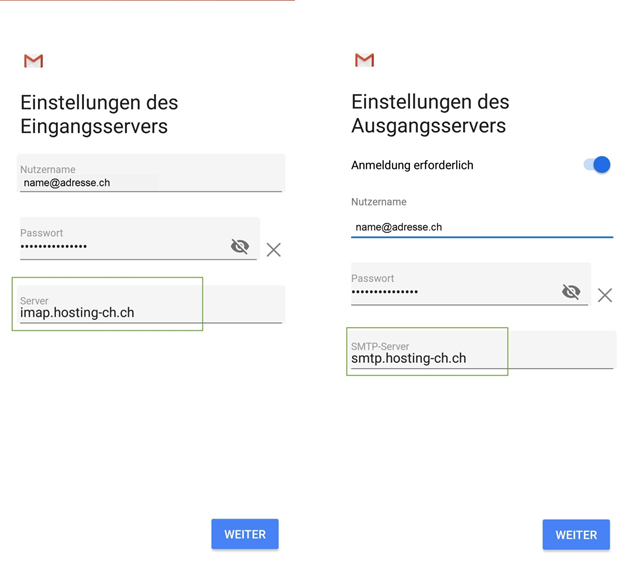
5. Now you can enter the server settings. Proceed as follows:
- Incoming server: imap.hosting-ch.ch
- Outgoing server: smtp.hosting-ch.ch