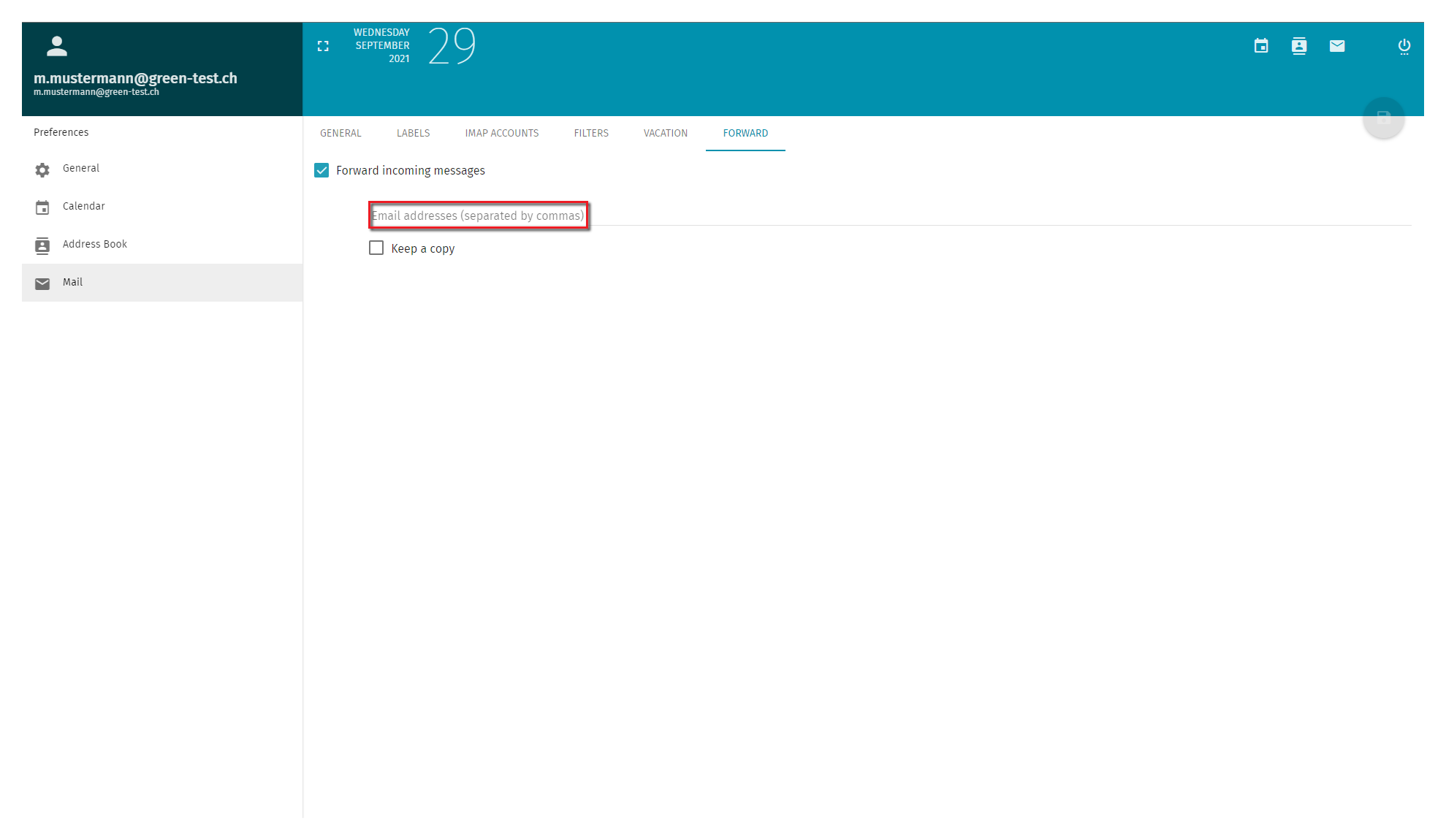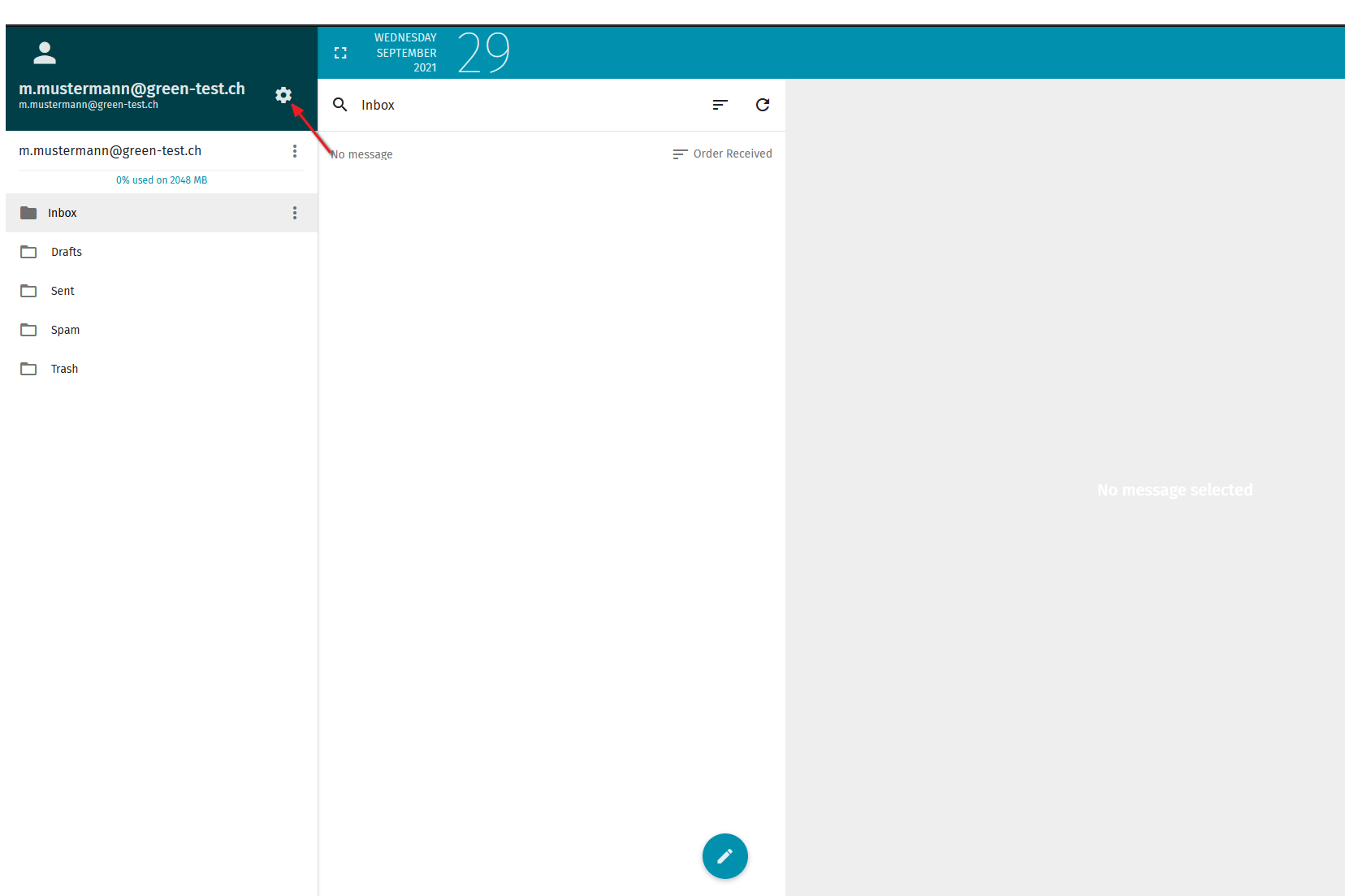
On the left-hand side you will find a navigation pane. Select the option titled Mail.
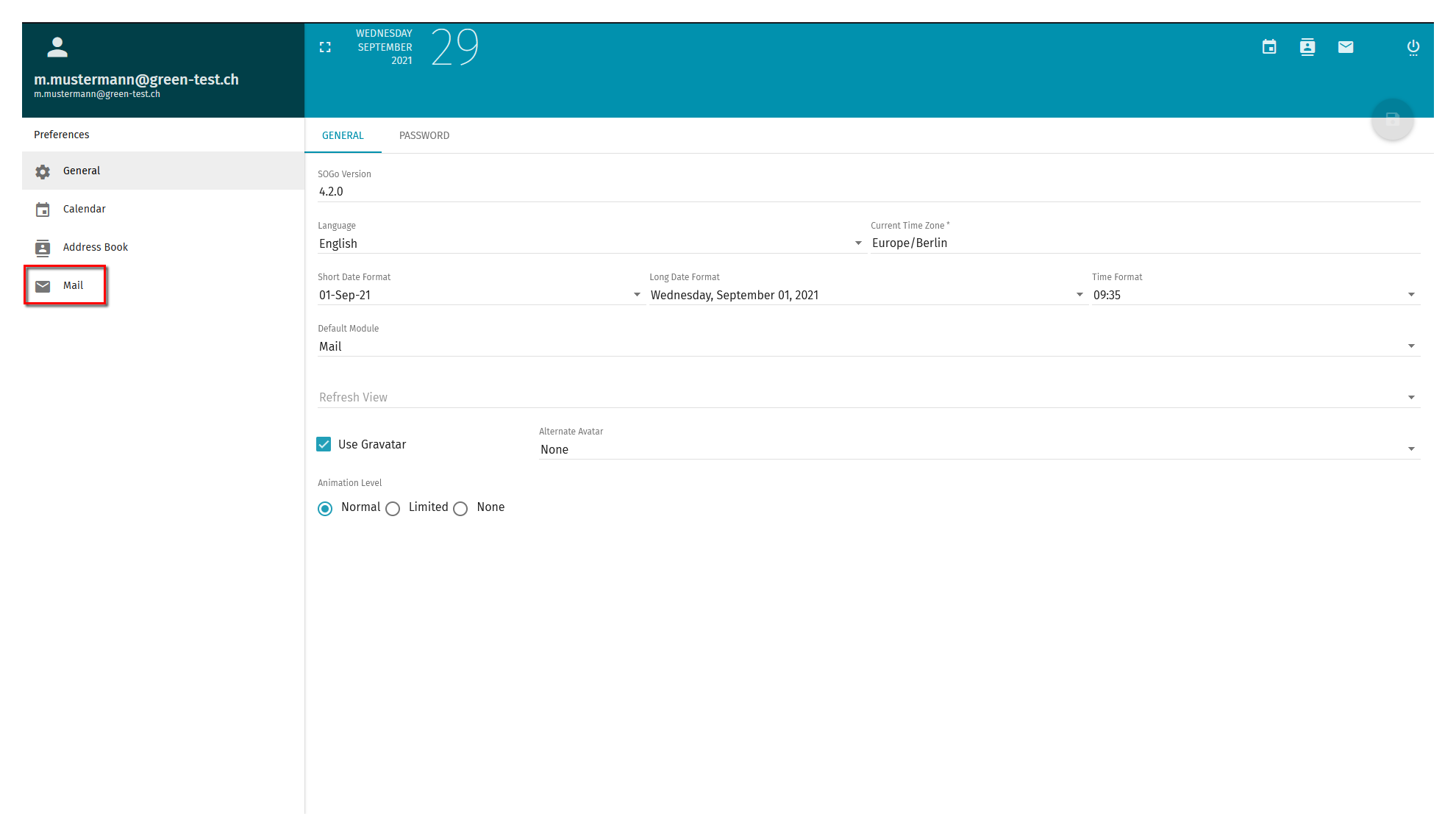
Inside of the Mail menu option, select the tab Forwarding on the far right.
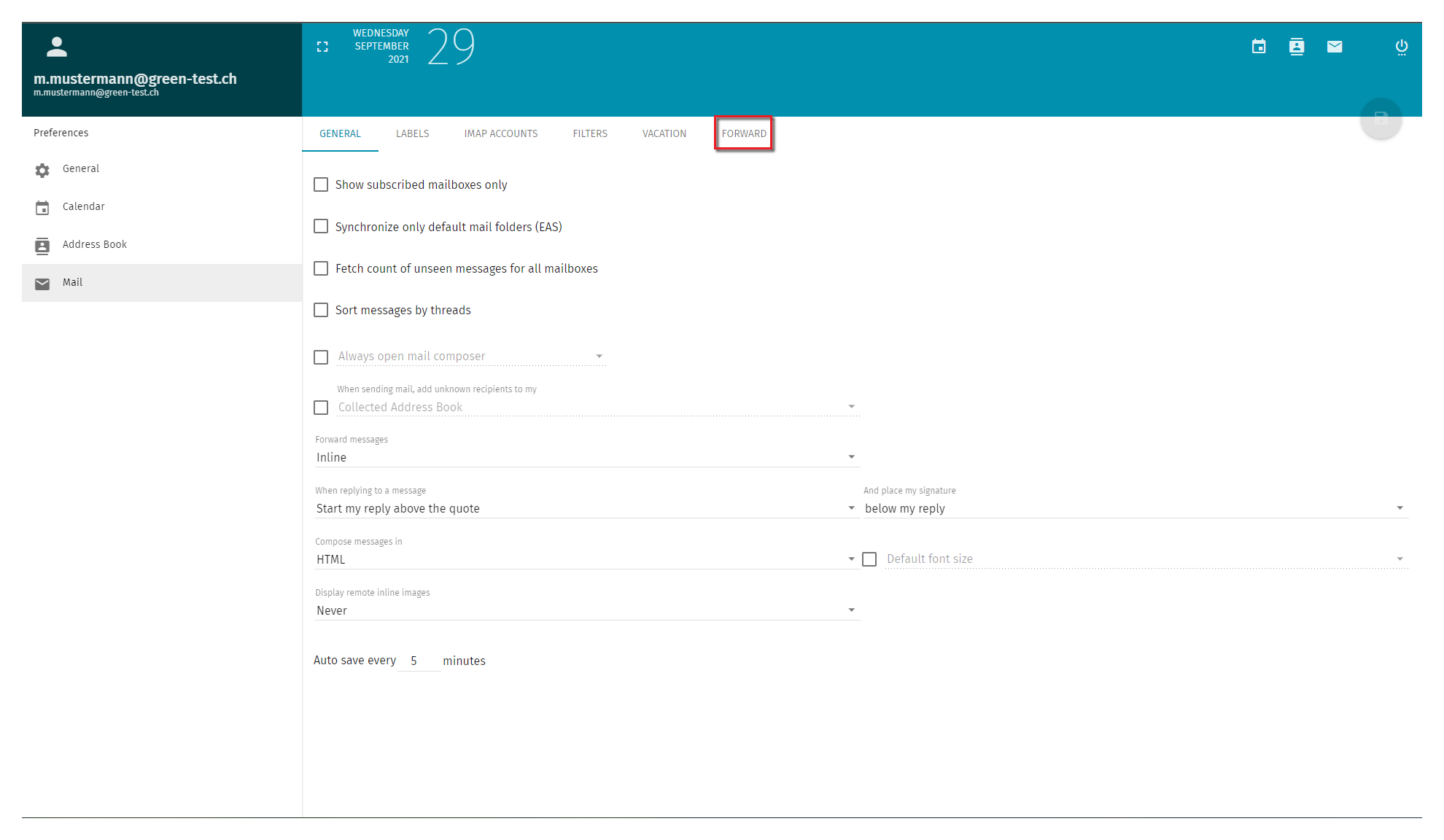
Make sure to tick the box titled Forward incoming messages.
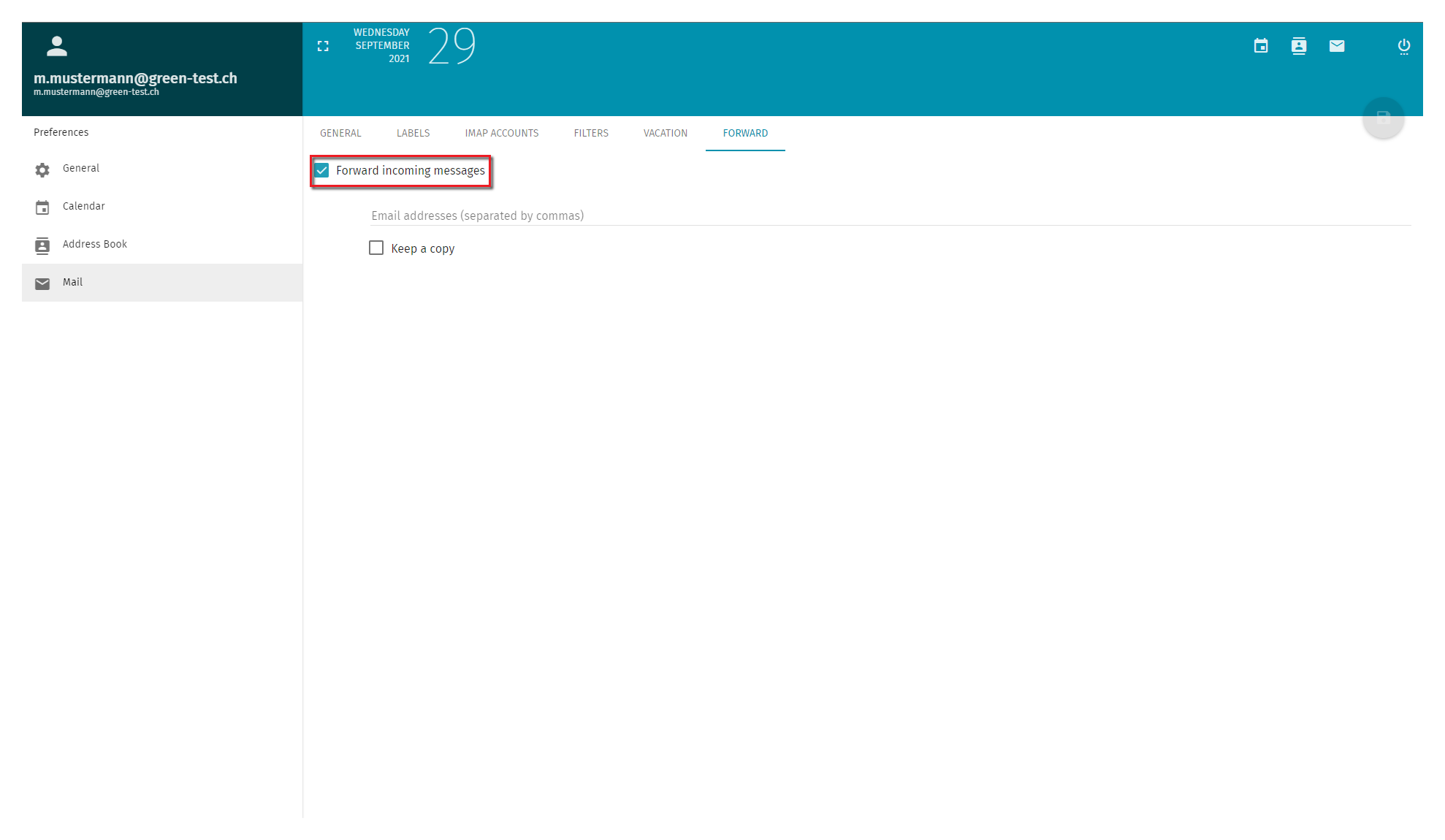
Now enter the name of the receiving email address. This is the address that will receive the forwarded messages.
Please do not forget to save the changes made. To do so, simply click on the disc icon in the top right-hand corner.