
Where can I enter my promo code?
You can redeem your promo code during the checkout process.
For internet subscriptions
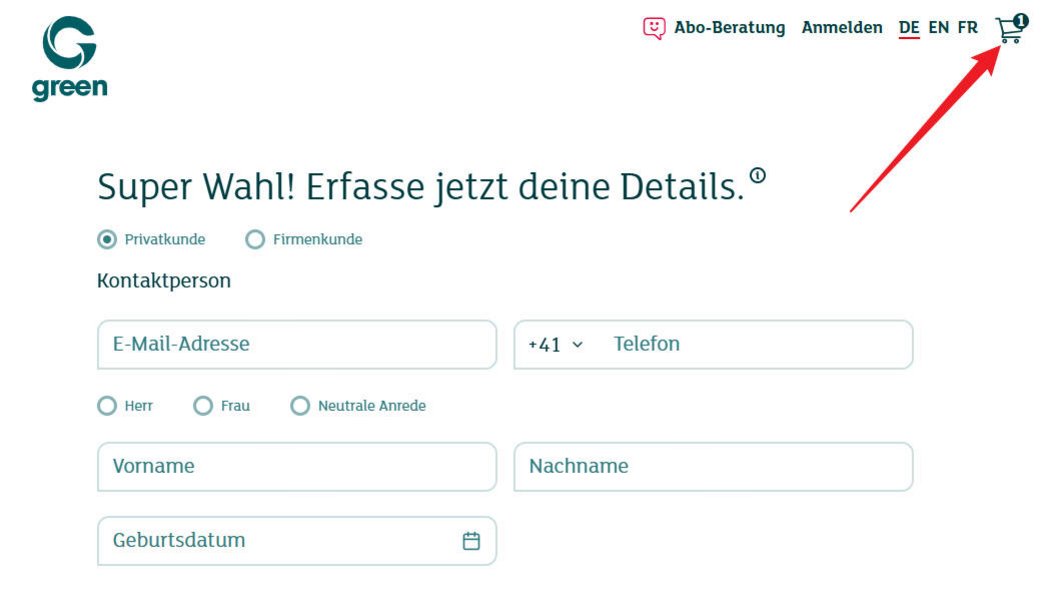
- Click the shopping cart icon 🛒 in the top right corner.
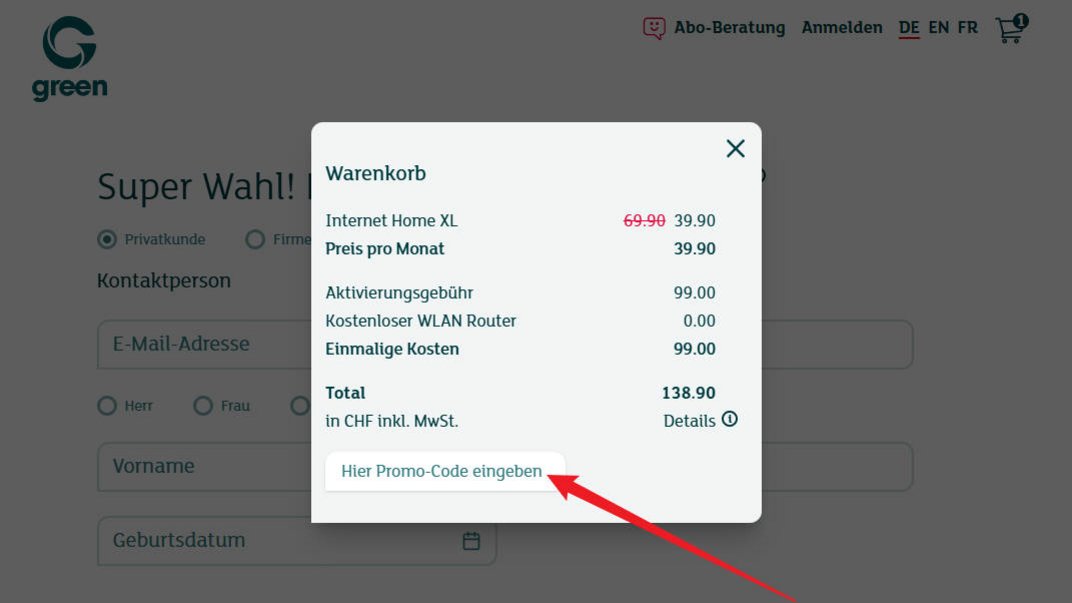
- The shopping cart opens in a window.
- Click "Enter promo code here".
- Enter your promo code and confirm your entry.
For hosting and domain products
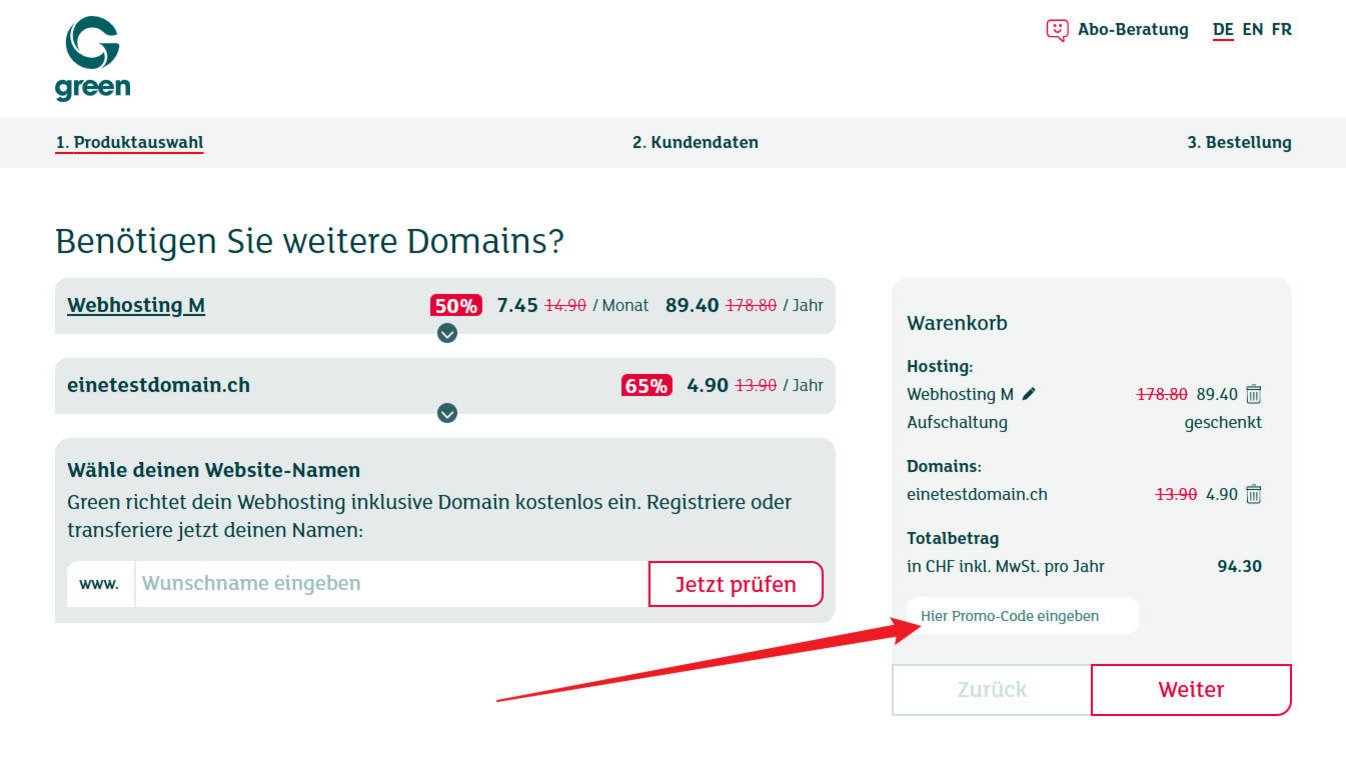
The "Enter promo code here" field is displayed directly in the shopping cart on the right-hand side. You can enter the promo code there right away.
On smartphones, click the shopping cart icon 🛒 in the top right corner and enter the promo code there.
Keywords: promo code, voucher code, discount code, campaign code, redeem code, enter discount, coupon, promo code internet, promo code hosting, promo code domain, shopping cart.