
Hosted Exchange: Adding or Customising a Disclaimer in EdgePilot
Note: This help article applies only to Hosted Exchange. If you are not sure which email service you use, you can find further information in the following article.
https://www.green.ch/en/which-email-service-do-i-use
In EdgePilot, you can add an inbound or outbound disclaimer and customise an existing disclaimer.
Requirements
To add or customise a disclaimer, you need an EdgePilot user with administrator permissions.
You can find further information about assigning administrator permissions in the following article:
https://www.green.ch/en/how-do-i-assign-admin-permissions-to-a-user
Add or Customise a Disclaimer
Open the EdgePilot administration portal at the following address:
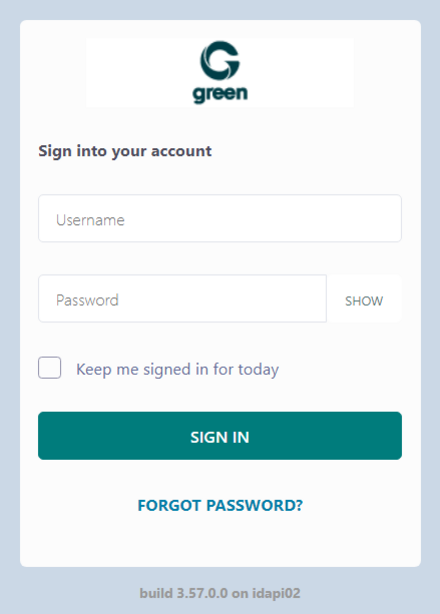
- Sign in with your administrator account.
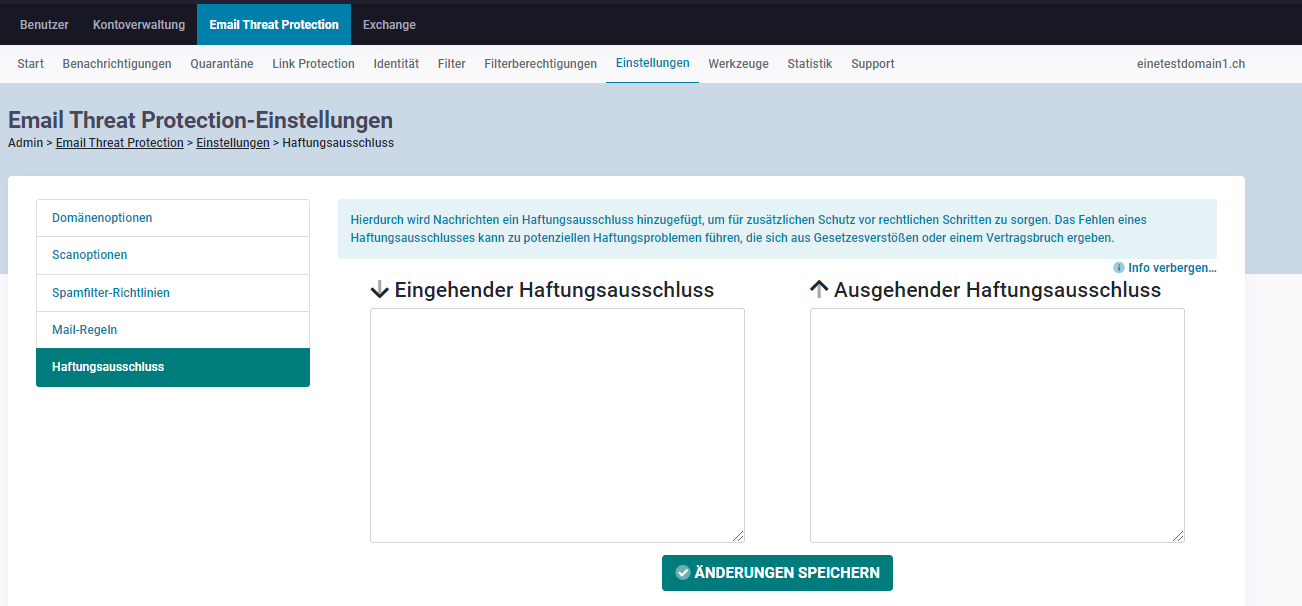
- Open SpamLab.
- Select Settings.
- Open Disclaimer.
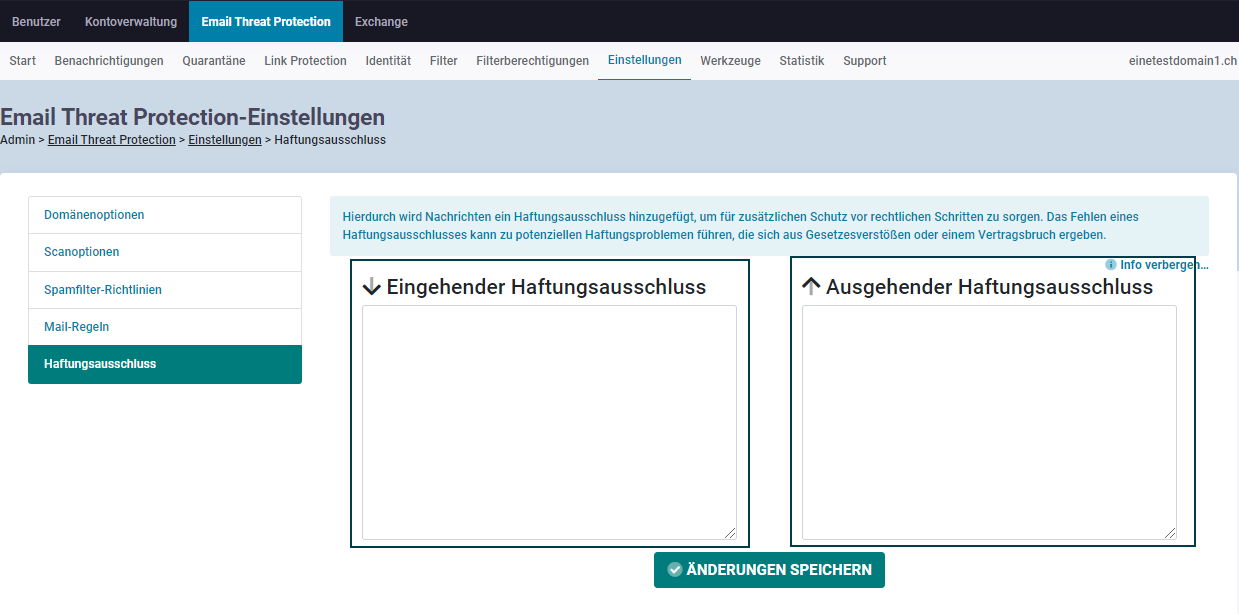
- Place the cursor in the text field for the inbound or outbound disclaimer.
- Enter the required disclaimer or customise the existing text.
- Select Save Changes.
After you have saved the inbound disclaimer, a pop-up window is displayed on the screen.
Further Information
You can find further information about Hosted Exchange in the following article:
1. To create or change a disclaimer, log in to green.edgepilot.com with your administrator access.
2. Now click on the menu item "SpamLab", then on "Settings" and now select "Disclaimer".
2. 2. Add/change a disclaimer
Place the cursor in the Incoming/Outgoing Disclaimer text box and enter or customize a disclaimer.
Click on the menu item "Save changes". Once the incoming disclaimer has been saved, a pop-up window will appear on the screen.
Now you have created or customized a disclaimer.