
How Do I Assign Admin Permissions to a User?
Note: This help article applies only to Hosted Exchange. If you are not sure which email service you use, you can find further information in the following article.
https://www.green.ch/en/which-email-service-do-i-use
Administrator permissions allow a user to manage other Hosted Exchange users and perform administrative tasks in the EdgePilot portal. Normal mailbox users do not automatically have administrator permissions.
Requirements
- The user to whom you want to assign administrator permissions already exists in the EdgePilot portal.
- You already have an administrator account for the EdgePilot portal.
Assign Administrator Permissions
- Open the EdgePilot portal.
- Sign in with your existing administrator account.
- Click Users.
- Open User Management.
- Select the user to whom you want to assign administrator permissions.
- Open User Settings.
- Select the Administrator checkbox.
- Click Update User Details.
The user then has administrator permissions in the EdgePilot portal.
Which Functions Do Administrators Receive?
Administrators receive access to the management functions of the Hosted Exchange organisation. These include:
- managing users
- changing passwords
- assigning or changing mailbox types
- managing aliases
- creating and managing contacts
- managing distribution groups
- assigning administrator permissions to other users
Note: Administrator permissions provide access to central management functions of the Hosted Exchange organisation. Assign these permissions only to people who are actually responsible for administering this environment.
Related Articles
Further information about Hosted Exchange:
https://www.green.ch/en/all-about-hosted-exchange
Create a Hosted Exchange user:
https://www.green.ch/en/hosted-exchange-create-user-in-edgepilot
Rename a Hosted Exchange user:
https://www.green.ch/en/rename-hosted-exchange-user
Manage mail aliases, forwarding and distribution groups:
https://www.green.ch/en/hex-mail-aliases-forwarding-and-distribution-groups
Create a distribution group in EdgePilot:
https://www.green.ch/en/hosted-exchange-create-a-distribution-group-in-edgepilot
Create a contact in EdgePilot:
https://www.green.ch/en/hosted-exchange-create-contact-in-edgepilot
Create a mail alias in EdgePilot:
https://www.green.ch/en/hosted-exchange-create-mail-alias-in-edgepilot
Upgrade a Hosted Exchange mailbox:
https://www.green.ch/en/hosted-exchange-upgrade-mailbox-in-edgepilot
Manage the spam filter in EdgePilot:
https://www.green.ch/en/how-do-i-manage-my-spam-filter-in-edgepilot
Hosted Exchange Audit Logs:
https://www.green.ch/en/hosted-exchange-audit-logs
HEX 2016: Assign rights to administrators in Edgepilot
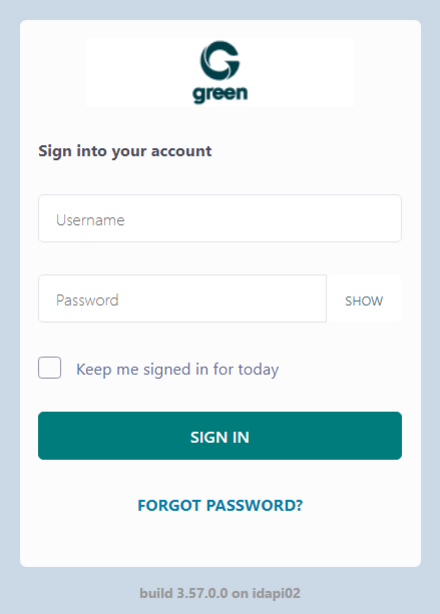
1. To grant administrator rights to a user, log in to green.edgepilot.com using your administrator access.
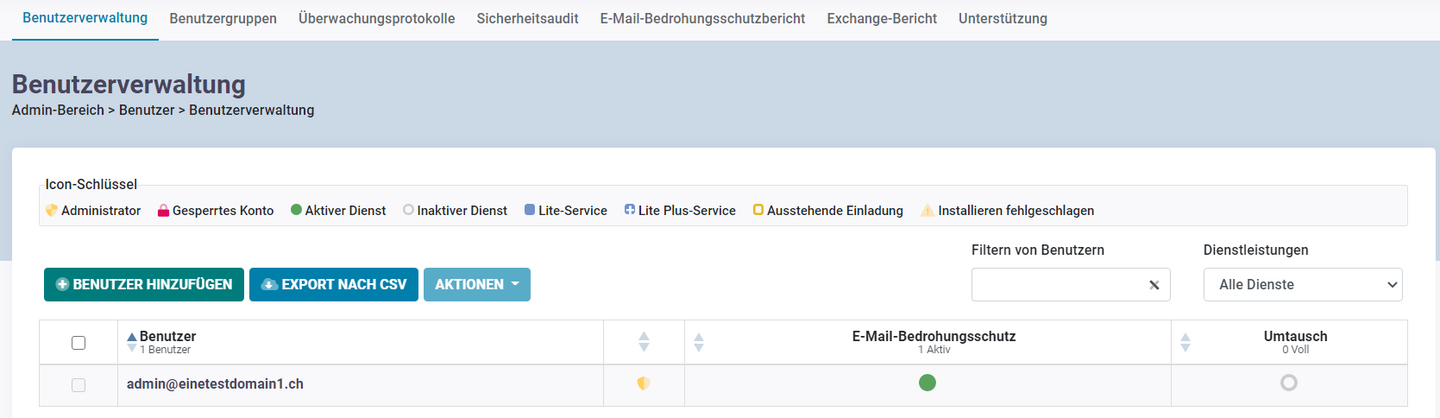
2. Now click on the menu item "User" and then on "User administration". This step is to ensure that you are in the correct menu item. After entering the customer portal, this is (by default) the start page.
Now click on the desired user.
3.Now select the menu item "User settings". This step is to ensure that you are in the correct menu item.
Now check the box next to "Administrator”.
Then click on the menu item "Update user details"

Now you have assigned administrator rights to the user.