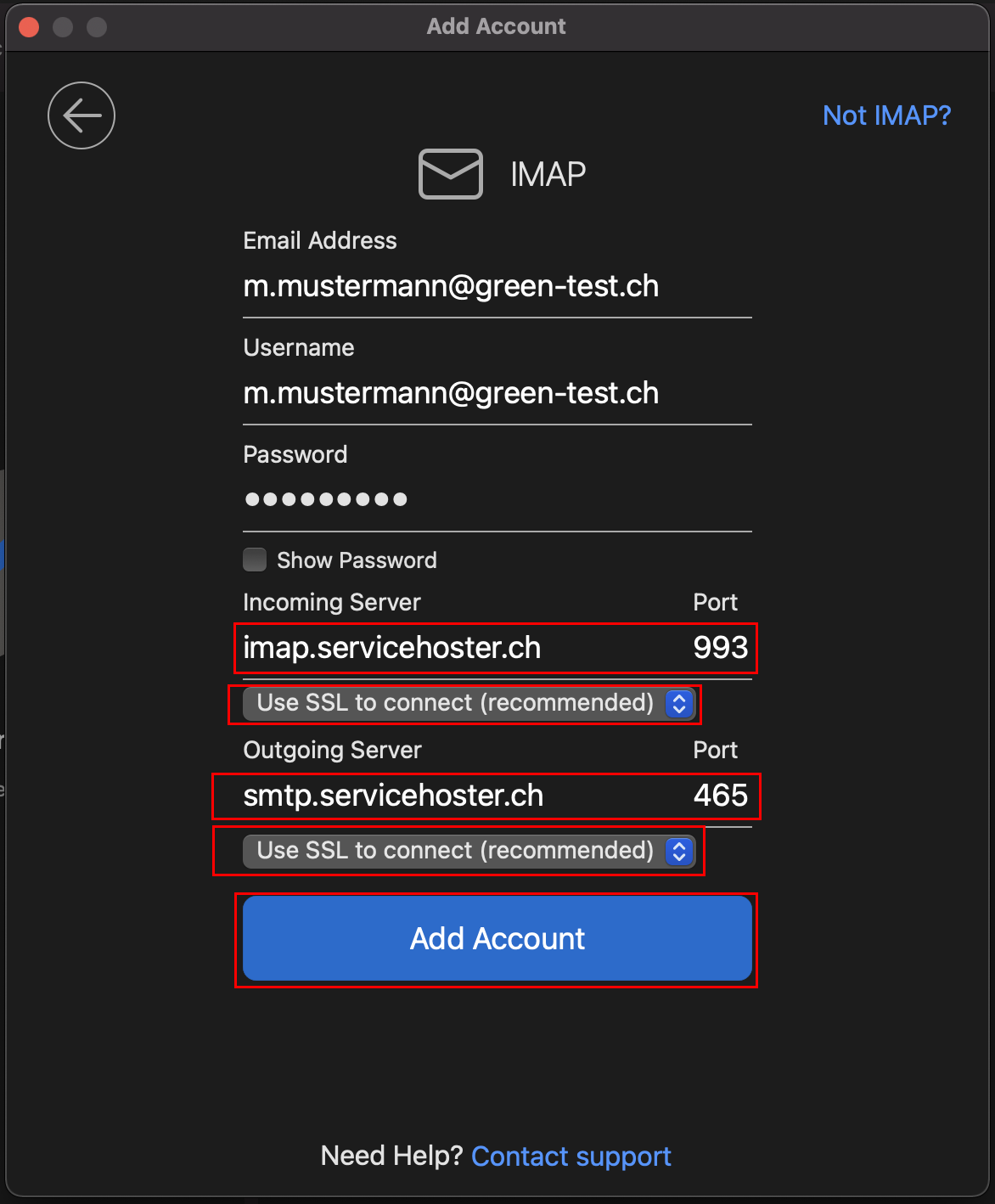
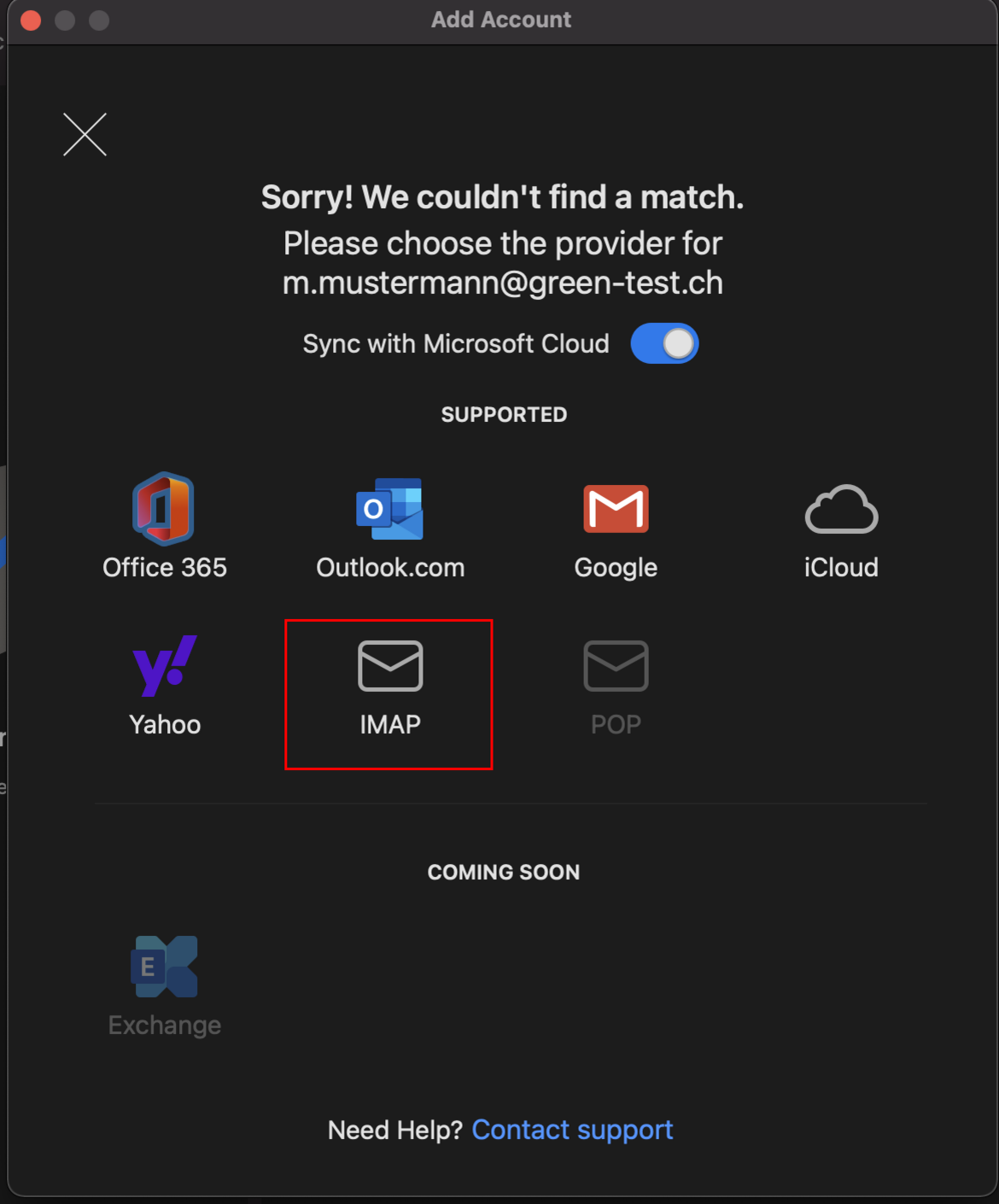
5. Check the account type and enter the following servers.
- Check that the account type is set to «IMAP».
- Enter the entry server imap.servicehoster.ch.
- Select «Use SSL to connect» and check that port 993 appears.
- Enter the source server smtp.servicehoster.ch.
- Select «Use SSL for connection» and verify that port 465 appears.
Then click on «Add Account».