
Change MY User Password via Customer Portal
Every Green customer receives access to the my.green.ch customer portal. There, you can view and manage your invoices, open tickets and products, among other things.
In this guide, you will learn how to set a new password for your MY user in the customer portal.
Note: If you no longer know the password for your MY user, follow this guide:
https://www.green.ch/en/how-to-reset-mygreench-password
Note: Please keep your MY user information secure and treat your login credentials as confidential.
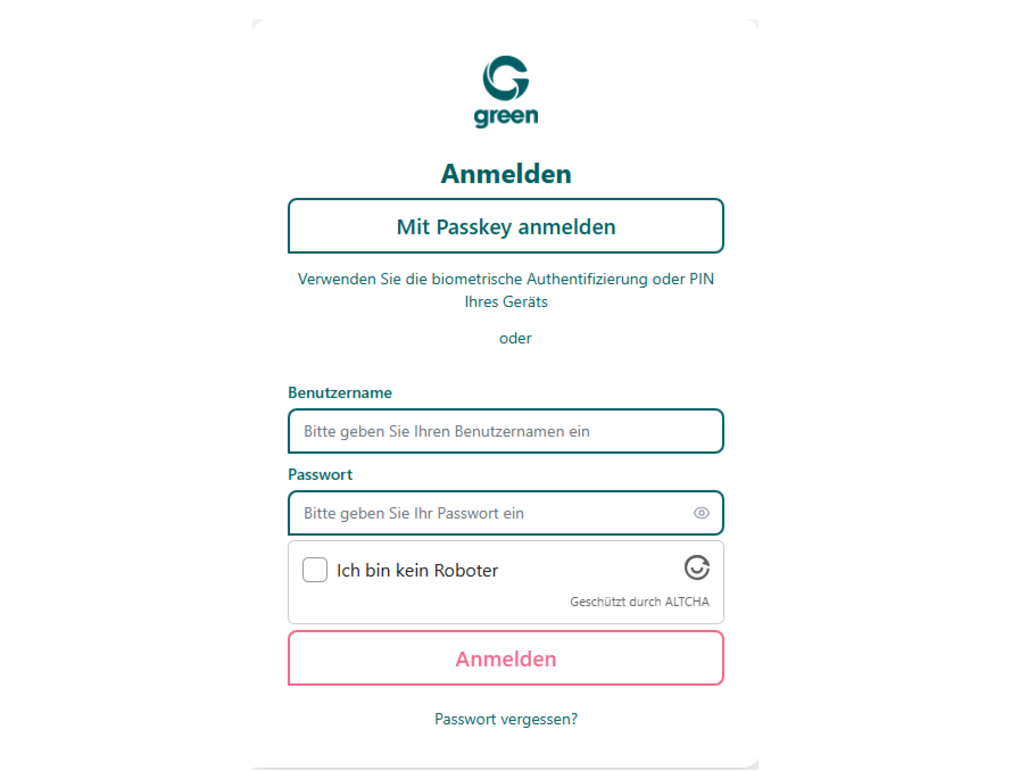
- Sign in to the customer portal at my.green.ch using your MY user and the corresponding password.
- The MY user consists of the letters MY and several numbers. It is unique to your user account.
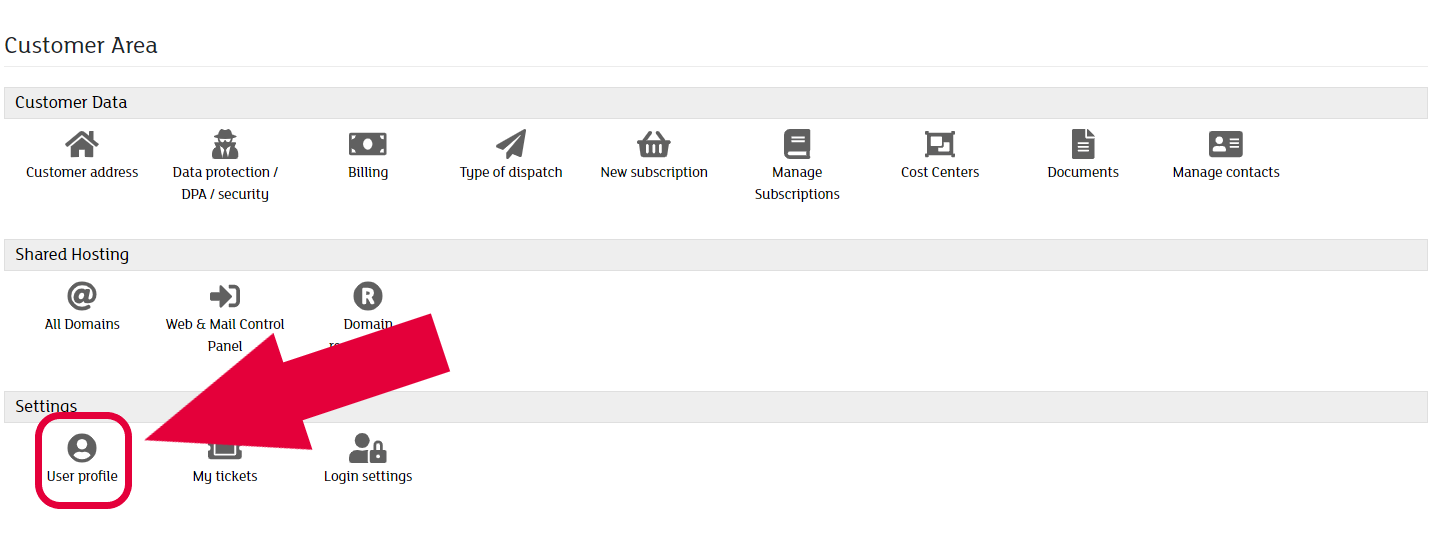
- In the customer portal, open the Settings section and click on User Profile.
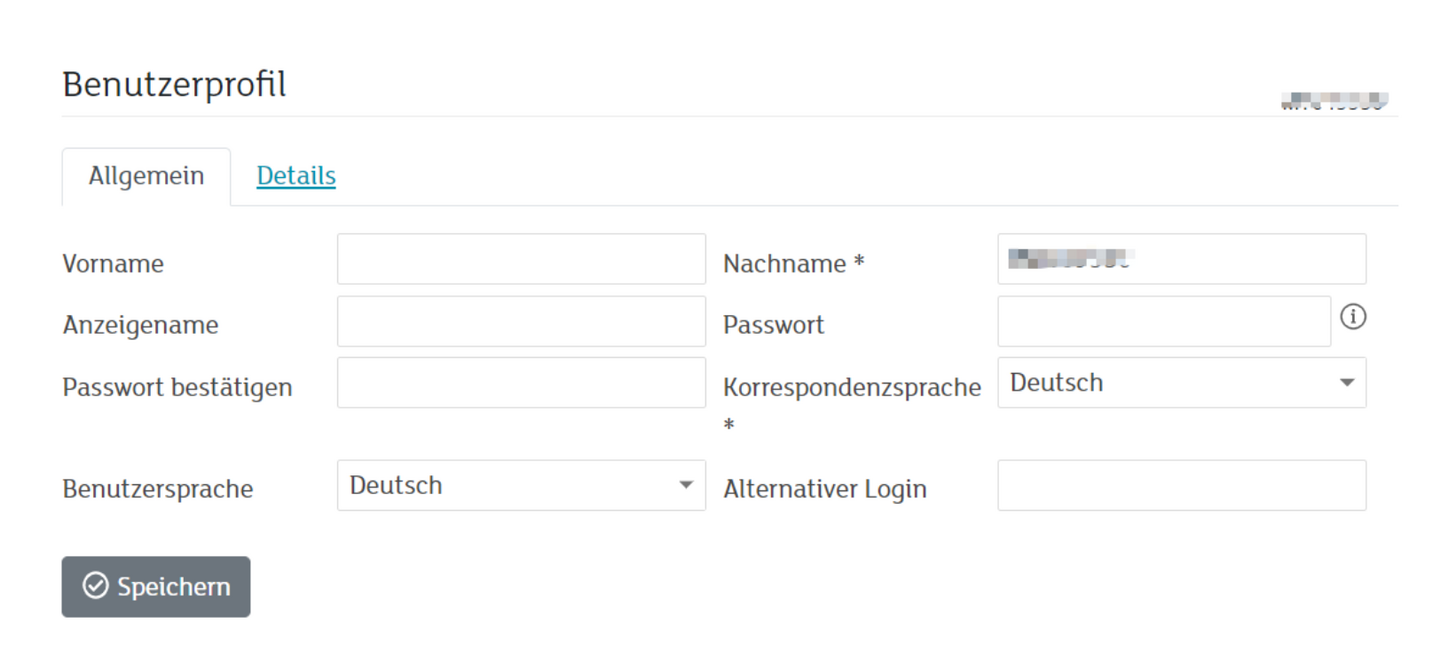
- Enter your new password in the Password field.
- Re-enter the password in the Confirm Password field to confirm it.
- Click Save.
In your Customer Portal, under the Settings section, click on User Profile.
Set your new password by entering it in the Password field. Confirm it by entering it again in the Confirm Password field.
The change takes effect immediately.
Information about ALTCHA Protection
The previous CAPTCHA protection has been replaced with ALTCHA.
For you as a user, the process remains very simple:
- Click the checkbox “I am not a robot”.
- Verification is performed automatically in the background.
- You do not need to select images or enter character strings.
ALTCHA provides modern and privacy-friendly protection against spam and automated requests. The solution works efficiently and enables the simplest possible use of our forms and login functions.