
Talk in the Customer Console
In the Customer Portal, you can manage various settings and information for your Green Talk telephony service.
You can also access overviews of calls, connection details and costs.
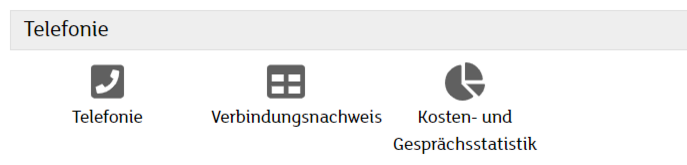
Telephony
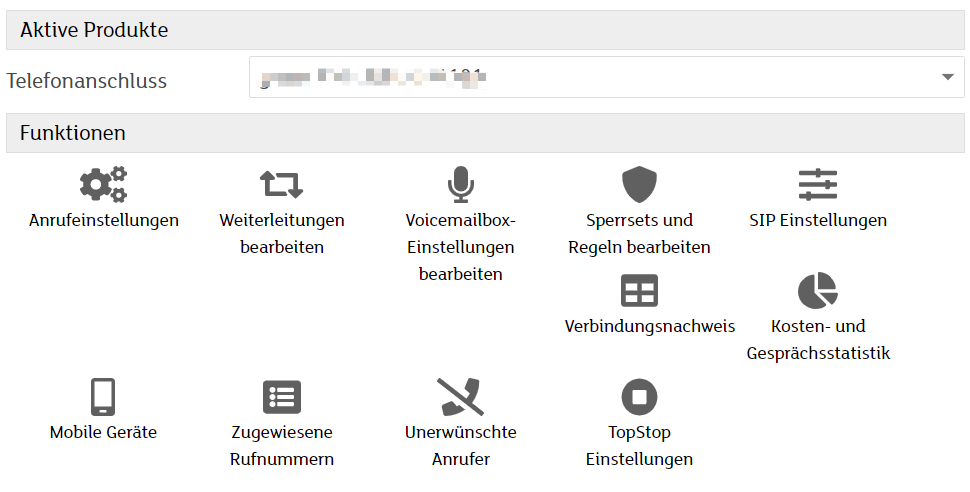
The following functions are available in the Telephony section:
- Call settings
- Call forwarding
- Voicemail
- Blocking sets & rules
- Connection details
- Cost and call statistics
Call settings
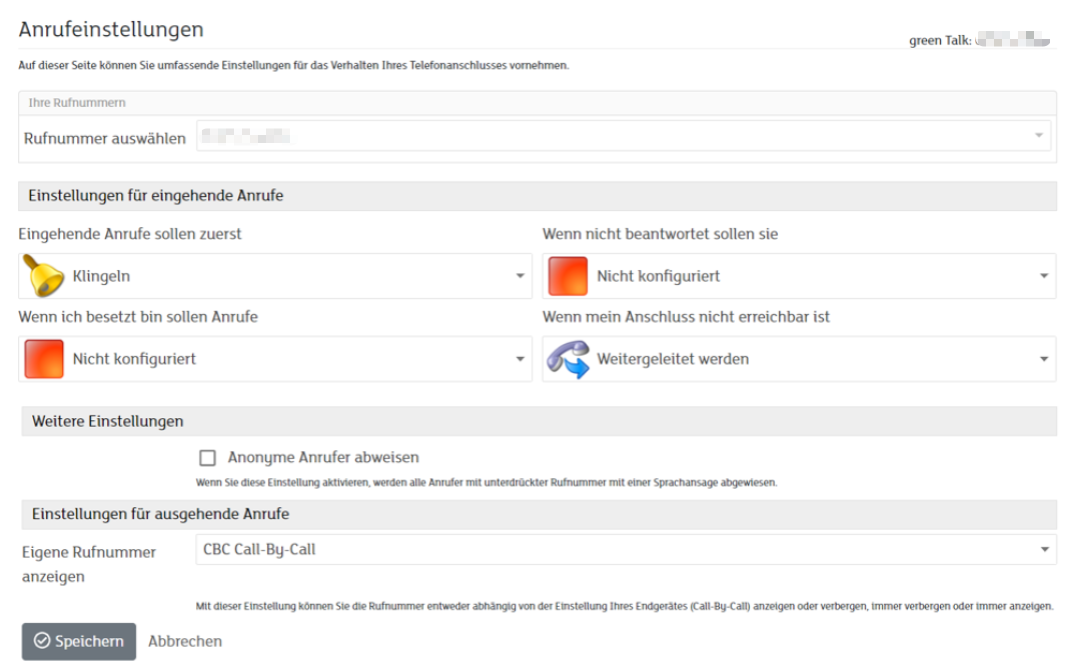
In the call settings, you can manage incoming and outgoing calls.
Call forwarding
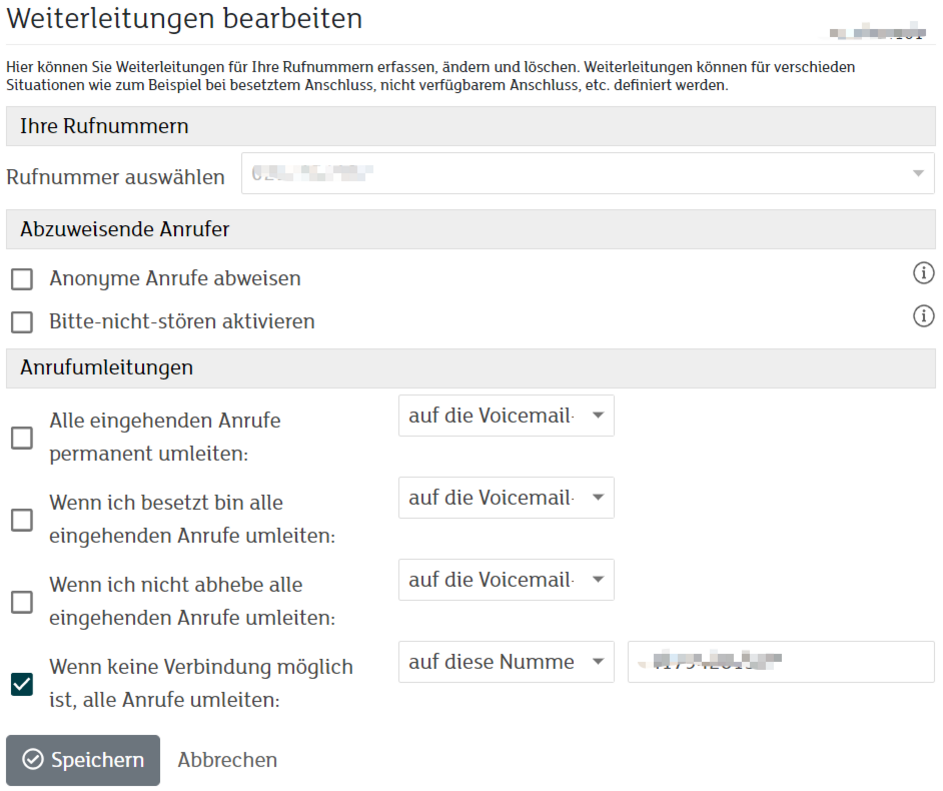
You can set up and manage call forwarding for your telephone number.
You can find more information in the following article:
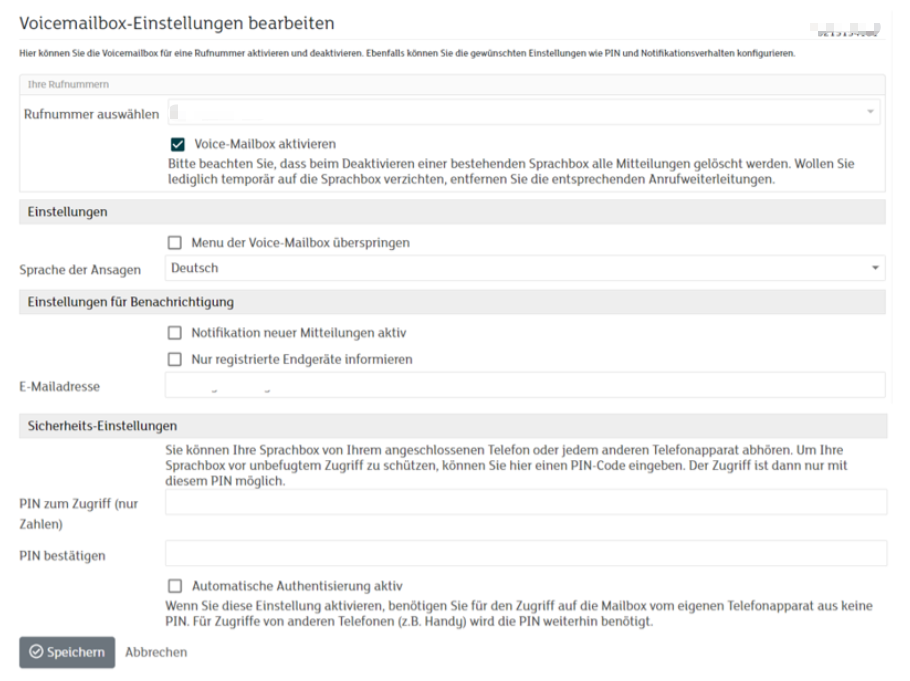
Voicemail
In the Voicemail section, you can configure your voicemail.
You can also enable notifications for missed calls.
You can find more information in the following article:
https://www.green.ch/en/set-up-an-answering-machine-from-green
Blocking sets & rules
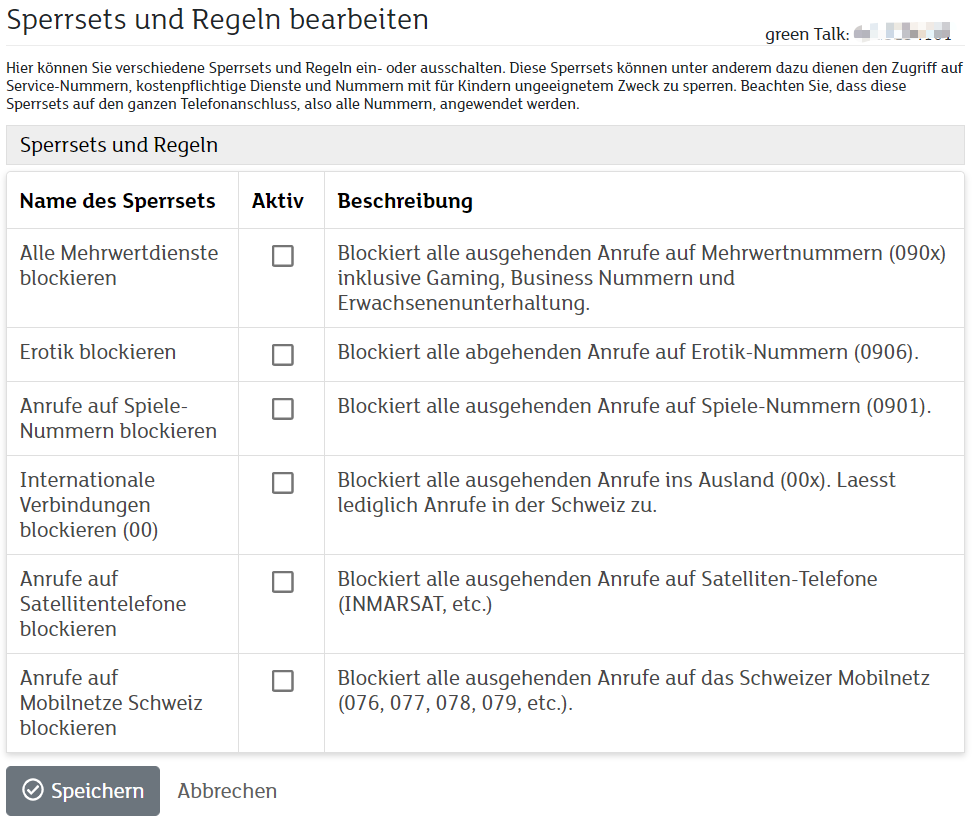
Here you can enable or disable various blocking sets and rules.
Blocking sets can, for example, restrict access to service numbers, chargeable services or telephone numbers with content unsuitable for children.
The configured blocking sets apply to the entire telephone connection and therefore to all associated telephone numbers.
You can find more information in the following article:
https://www.green.ch/en/creating-black-list-entries-using-the-customer-portal
Connection details
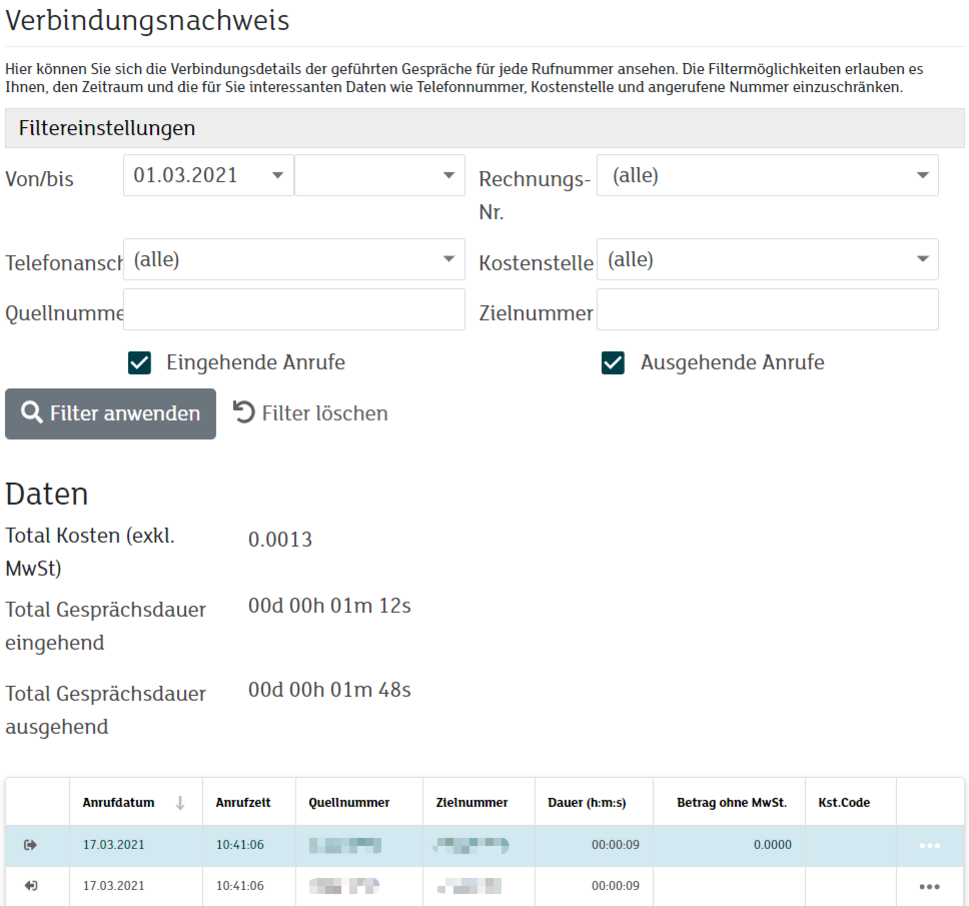
Under Connection details, you can view an overview of your calls, call durations and costs.
Cost and call statistics
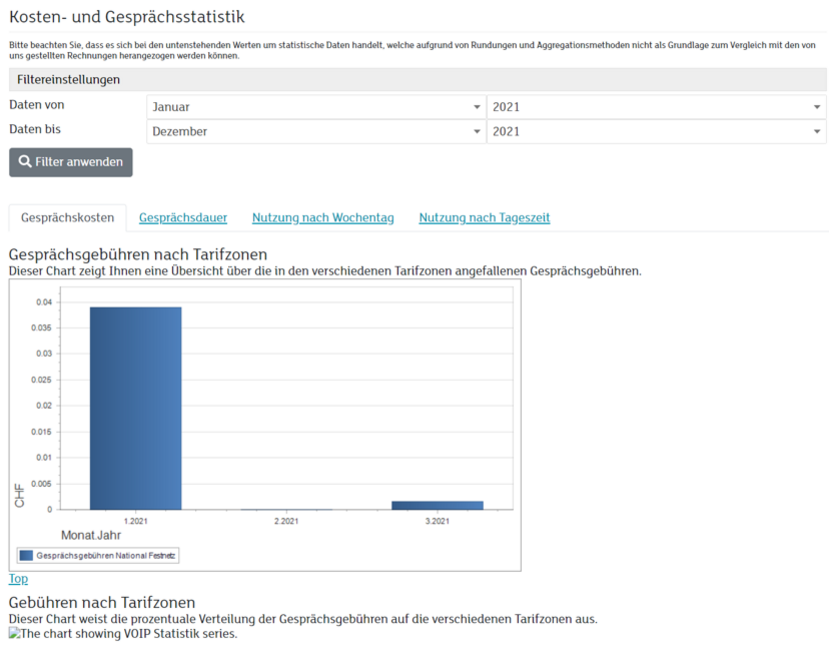
The cost and call statistics display call costs graphically.
The analysis includes:
- Landline calls
- Mobile calls
- National calls
- International calls
You can use the available filters to limit the analysis to a specific period.
Related articles
You can find basic information about Green Talk in the following article:
https://www.green.ch/en/talk-installation-and-configuration
You can find more information about the telephony settings in the following article:
https://www.green.ch/en/talk-settings-in-the-customer-portal