
Hosted Exchange: GUID Server Name
Note: This help article applies only to Hosted Exchange. If you are not sure which email service you use, you can find further information in the following article.
https://www.green.ch/en/which-email-service-do-i-use
In Hosted Exchange, a GUID is displayed in EdgePilot. In the past, this GUID was sometimes used as an alternative user identifier for certain email applications. Today, the email address is used as the username in most cases.
What Is a GUID?
GUID stands for “Globally Unique Identifier”. It is a globally unique identifier that is uniquely assigned to an object.
A GUID may look like this, for example:
0e908c1e-1b83-422f-937e-3dbe68ca2e14
Each Hosted Exchange mailbox has its own GUID. Exchange uses this identifier to uniquely identify a mailbox internally and assign it to technical processes.
What Is the GUID Used For?
- Unique identification of a mailbox
- Assignment of a mailbox within the Exchange environment
- Mailbox migrations
- Synchronisation and replication processes
- Technical analyses and troubleshooting
- Certain Exchange and Autodiscover configurations
The actual technical identity of a mailbox is determined internally by the GUID and not by the email address.
Is the GUID a Server Name?
No.
The GUID is not a server address, hostname, URL or DNS record. It is solely a technical identifier for a mailbox.
A server name would be, for example:
- ch.exg7.exghost.com
- imap.ch.exg7.exghost.com
Server names are used to connect an email application. The GUID, by contrast, is used for the technical identification of the mailbox.
Why Is a GUID Displayed with a Domain in EdgePilot?
In EdgePilot, the GUID may appear in a format such as the following example:
0e908c1e-1b83-422f-937e-3dbe68ca2e14@hexgreen.ch
The actual GUID is the part before the @ sign:
0e908c1e-1b83-422f-937e-3dbe68ca2e14
The part after the @ sign is used only for display within the Hosted Exchange environment.
When Is the GUID Required?
The GUID is normally not required for the everyday use of a Hosted Exchange mailbox.
In most cases, you use the following details:
- Email address
- Password
- Outlook sign-in
- Exchange or ActiveSync configuration
- Autodiscover
- Server addresses according to the current instructions
The GUID is mainly used for technical purposes, for example in support cases, migrations or special configuration scenarios.
Previous Use as a Username
In older instructions and certain email application configurations, the GUID was sometimes recommended as an alternative user identifier.
This use mainly applied to certain setup, migration or special cases. However, the GUID is not an additional email address and does not replace a regular email address.
For new setups, the current Hosted Exchange instructions and the sign-in details specified in them should generally be used.
Display the GUID in EdgePilot
- Sign in to EdgePilot as an administrator.
- Open User Management.
- Select the required mailbox.
- Open the user’s Exchange settings.
- Check the displayed Exchange and mailbox information.
Depending on the mailbox type and interface, additional technical details are displayed there, including the GUID and other Exchange-specific information.
Connection Details and Setup
The current connection details for a Hosted Exchange mailbox can be viewed directly in EdgePilot.
You can find further information in the following articles:
https://www.green.ch/en/read-hex-connection-data-and-instructions/links
https://www.green.ch/en/email-connection-details-hosted-exchange
https://www.green.ch/en/outlook-windows-manually-set-up-a-hosted-exchange-account
https://www.green.ch/en/outlook-macos-set-up-an-exchange-account-for-hosted-exchange
https://www.green.ch/en/hosted-exchange-set-up-email-account-on-android-lite-full-licence
https://www.green.ch/en/hosted-exchange-lite-full-set-up-apple-ios
Important Information
The GUID is a technical identifier and should not be confused with the email address.
Users are not intended to change the GUID.
Use the GUID for sign-in or configuration only if this is expressly required by current instructions or a specific technical requirement.
Note: If an email application specifically requests a GUID, server name or alternative identifier and setup does not work with the normal email address, contact Support.
If your email program requires a manual setup, you need the server name or the server address. So that you can read this, proceed as follows. Please note that the server address differs from user to user. Therefore this procedure is necessary for every user.
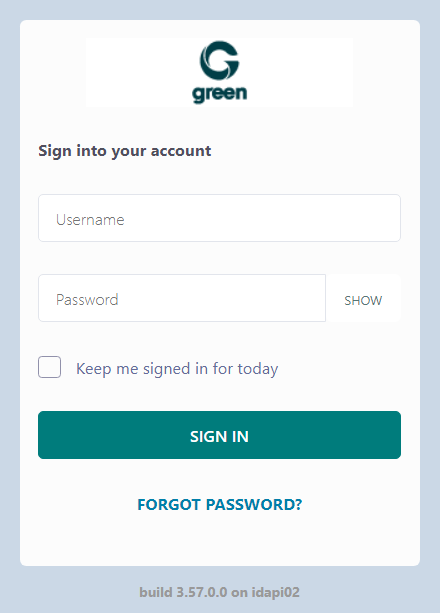
Log in with your administrator account at green.edgepilot.com.
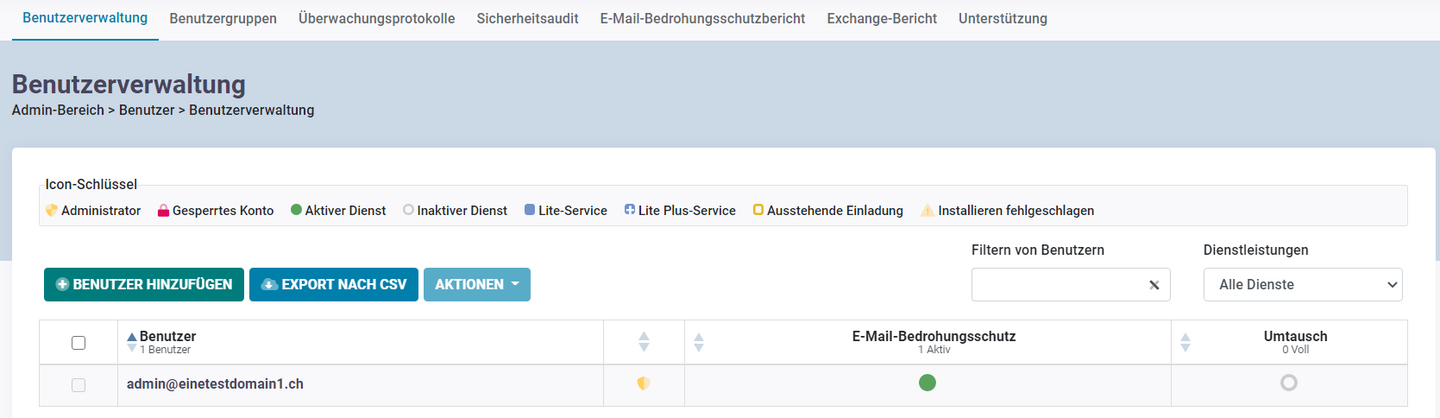
2. Now navigate to the menu "User Administration" and then to "User Management". In the user overview, click on the user for which the server name is required.
3. In the settings for your email address, click on "Exchange settings" on the left side.

4. Unfold the "Exchange Overview" menu. You will now see the information "GUID". This information corresponds to your server name / address and should end with your domain.
